
Spring cleaning often begins with closets, but for businesses, the real clutter usually isn't just on shelves.
Yes, it might be on a server rack, but it's just as likely hidden away in storage rooms, back offices, or buried under piles marked "we'll deal with that later."
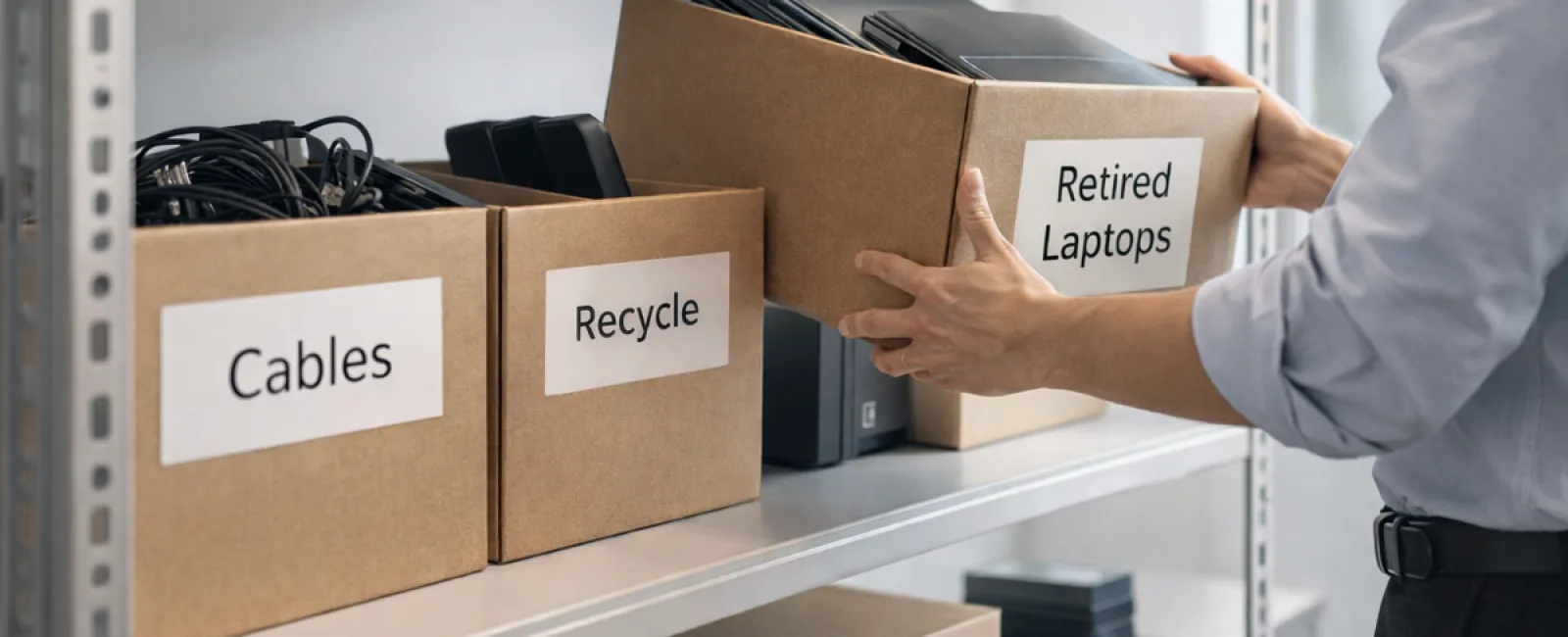
Old laptops, decommissioned printers, backup drives from several upgrade cycles ago, and stacks of cables kept "just in case"—every business accumulates this tech relics.
The real question isn't do you have these items, but rather, do you have a clear plan for what to do with them?
Technology Follows a Lifecycle — Beyond Just the Purchase Date
New equipment comes with purpose: faster speeds, enhanced security, improved capabilities, and support for business growth.
While most organizations strategize technology purchases, very few develop plans for retiring old tech.
Technology retirement is often unplanned—devices get replaced, stored out of sight, and eventually someone decides to clear the clutter.
This is typical.
What's less common is managing tech retirement with the same care and strategy as the initial purchase.
Even outdated technology holds residual value, recyclable parts, and sensitive data. Left unmanaged, these items can slow operations by occupying space and attention.
Spring is the ideal moment to evaluate: what devices still serve your business and which are just taking up room?
A Clear, Four-Step System to Declutter Your Technology
To move beyond vague intentions, follow our straightforward four-step method.
Step 1: Take Inventory
Identify exactly what equipment you're retiring — laptops, phones, printers, network devices, external drives? You can't manage what you haven't catalogued, and inventory walks often uncover unexpected items.
Step 2: Choose the Right Path
Devices usually fall into three groups: reuse (internally or via donation), recycle (through certified e-waste programs), or destroy (for sensitive data). The key is to make these decisions deliberately rather than allowing hardware to gather dust indefinitely.
Step 3: Properly Prepare Devices
Discipline here pays off.
If reusing or donating, remove the device from management systems, revoke access, and securely wipe data—don't rely on a simple factory reset. Deleting files or quick formatting only hides data; it's still recoverable.
Research by Blancco showed 42% of resold drives on eBay retained sensitive info, despite sellers claiming thorough wiping. Certified erasure tools overwrite every data sector and provide verification reports.
If recycling, use certified e-waste vendors rather than dumping items locally. Keep in mind that programs like Best Buy's recycling only accept household waste, not business equipment.
Businesses require certified IT asset disposition (ITAD) providers with e-Stewards or R2 certifications. Your IT partner can usually help coordinate this.
For destruction, opt for certified wiping or physical methods like shredding or degaussing, and keep detailed records with serial numbers, method, date, and handlers.
This isn't about paranoia—it's ensuring a complete, responsible cycle.
Step 4: Record and Release
Once devices leave your premises, track their destination, handling process, and confirm access is removed. This documentation removes uncertainties down the line.
Devices Often Overlooked in Tech Cleanups
Laptops get most attention, but many devices slip through the cracks.
Phones and tablets may still contain emails, contacts, and authentication apps. While factory resets handle most data, certified mobile wipe tools offer more security. Major brands like Apple and Samsung provide trade-in programs, sometimes offering credit toward new gear.
Modern printers and copiers often house internal hard drives storing copies of all printed, scanned, copied, or faxed documents. If returning leased machines, get written confirmation that hard drives will be wiped or removed before redeployment.
Batteries are classified as hazardous waste by the EPA. Many states prohibit tossing rechargeable batteries in trash. Remove batteries where possible, insulate terminals to avoid shorts, and recycle via certified drop-off locations. Call2Recycle.org lists drop-offs; many stores like Staples and Home Depot accept them.
External drives and retired servers often linger in closets but require the same retirement protocols as other tech.
Important Notes on Responsible Recycling
Earth Day in April is a timely reminder of the importance of proper e-waste disposal.
Over 62 million metric tons of electronic waste are generated annually, but only about 22% is recycled responsibly. Items like batteries, monitors, and circuit boards must be processed through certified channels. Fortunately, most communities provide certified e-waste options.
Managing tech retirement properly leads to cleaner operations, environmental stewardship, and improved strategy. You can be both secure and sustainable.
This approach also offers a subtle marketing boost—customers notice when companies handle tech responsibly without fanfare.
Unlocking Greater Value in Spring Cleaning
Spring cleaning is less about disposal and more about creating room for growth.
Removing outdated equipment is just one piece. Step back and consider: is your technology truly empowering your business operations and goals?
While hardware evolves, it's software, systems, automation, and streamlined processes that drive lasting productivity and profits.
Properly retiring old devices is good practice — but aligning your tech ecosystem with goals pushes your business forward.
How We Support Your Success
If you already have a clear equipment retirement process, fantastic. That's exactly how it should feel: simple, seamless, and routine.
As you plan to replace devices responsibly, it's also a great time to evaluate your broader technology landscape. Are your systems integrated? Are your tools aligned? Is your tech fueling growth or just maintaining status quo?
If you'd like to pause and review how your tech stack, systems, and workflows impact productivity and profits, we'd be glad to chat.
No equipment checklist. No pressure. Just a straightforward conversation about optimizing technology for your business.
Click here or give us a call at 506-383-2895 to schedule your free 15-Minute Discovery Call.
If this inspired ideas for other business owners, feel free to share.
Remember, true spring cleaning goes beyond closets—it encompasses the systems powering your business.