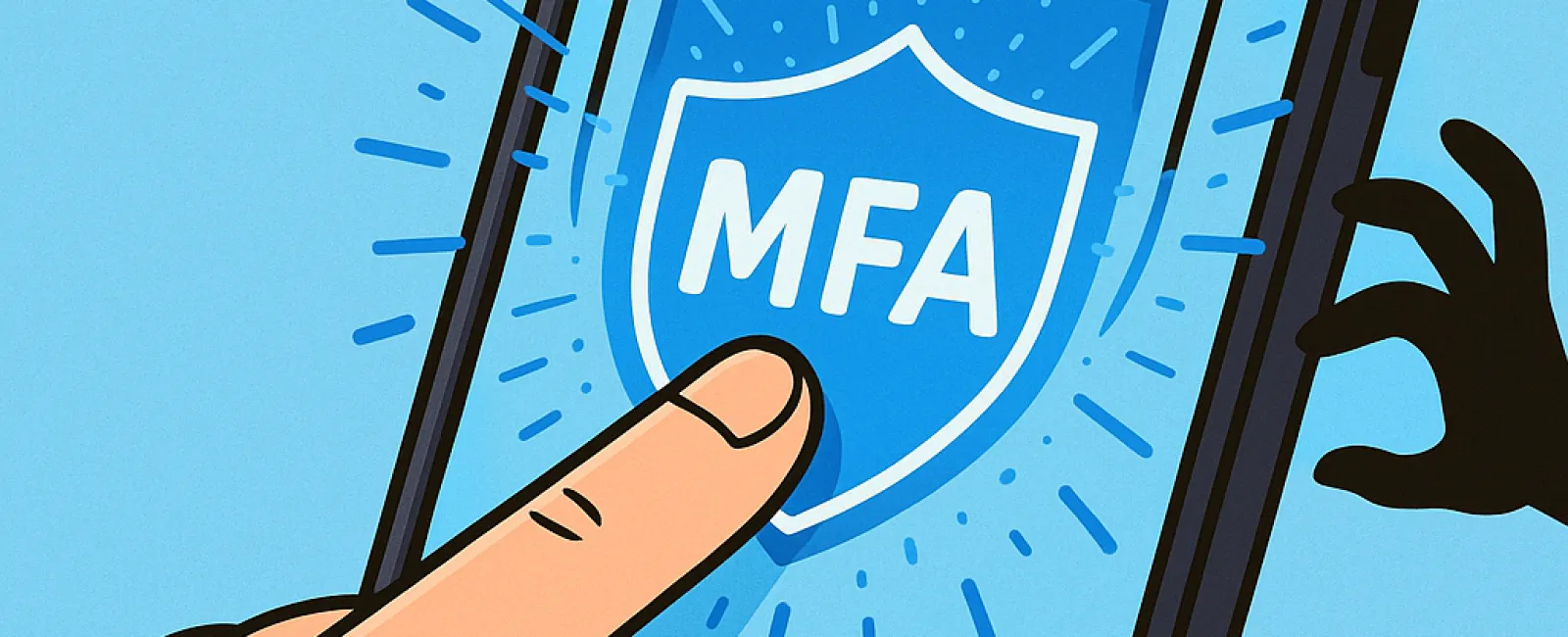
Just like you buckle up before driving or lock your office at night, you should never browse online without enabling multifactor authentication (MFA).
MFA acts as a powerful second lock on your digital accounts. Instead of depending solely on a password—which can easily be stolen, guessed, or phished—it adds an extra layer of security, such as a text message code, an authentication app prompt, or a biometric scan like your fingerprint. Even if a hacker acquires your password, this additional verification step stops them dead in their tracks.
One Simple Step That Shields You Completely
If your password is like locking your front door, then MFA is akin to activating your home's security alarm. While it might seem optional, isn't it reassuring to know you're protected even if one layer fails?
That's the essence of MFA—adding a quick verification step to ensure it's really you logging in. Whether called "two-factor authentication," "two-step verification," or "one-time password," the concept is the same: requiring multiple proofs of identity before access to sensitive data is allowed.
MFA presents itself in various ways: confirmation emails at signup, security questions, text or app-generated codes, push notifications, and verification calls. Most are completed with a simple tap or code entry, making it easy to use.
How MFA Rescues You in Critical Moments
While enabling MFA is fast and straightforward—just accepting a push or entering a code—it can thwart immediate threats from hackers. If a suspicious login attempt happens, MFA will alert you by sending a notification or demanding an extra code, giving you time to secure your account before damage occurs. That crucial warning can protect your data from being compromised.
MFA also prevents intruders from accessing accounts using stolen passwords. Even if an employee accidentally shares login details, hackers can't proceed without that crucial second step. In fact, Microsoft's research shows enabling MFA decreases account breach risk by over 99.2%, soaring to 99.99% with MFA activated.
Where and How to Enable MFA for Maximum Security
Prioritize MFA for these critical areas:
- Online banking and financial apps
- Email and cloud storage services
- Social media platforms
- Work accounts containing client or confidential information
Setting up MFA is generally simple. Many leading services provide built-in MFA options—just choose the one that fits your routine and turn it on. Utilizing an authenticator app can significantly enhance your staff's login security.
Ultimately, MFA is a quick, cost-free defense that blocks most cyberattacks targeting user accounts. Investing just a few minutes to activate it now can prevent months or even years of costly data breaches and recovery efforts down the line.
The easiest path to implement MFA is partnering with your IT provider. A skilled Managed Service Provider (MSP) ensures a smooth setup. If you need expert cybersecurity assistance, click here or call us at 506-383-2895 to schedule your 15-Minute Discovery Call with our team immediately.