
Spring break often gets a bad rap.
Images of college students, questionable choices, and stories beginning with "We thought it was a good idea at the time…" dominate the narrative.
Yet adults make plenty of tech blunders during spring break too — they're just less loud, and usually digital.
You want to focus on your family, but work still calls. So you rush, you multitask, you say, "I'll just finish this quickly."
That's exactly when issues begin.
Discover the top vacation tech missteps — and how to avoid bringing home unwanted digital souvenirs.
Beware the "Free Wi-Fi Happy Hour" Trap
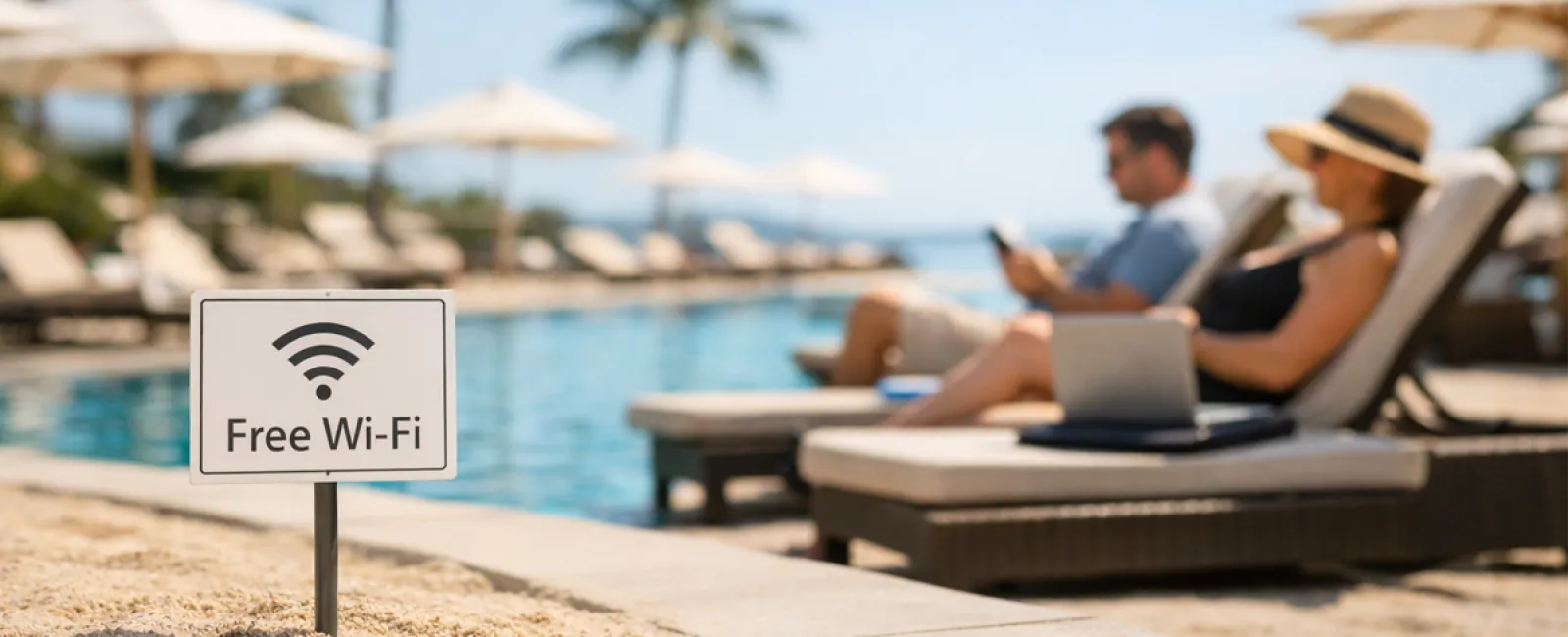
Hotels, cafes, airports — all offer Wi-Fi. You connect instantly to send that urgent email before the kids finish breakfast.
The Danger: Fraudulent networks named like "HOTEL_GUEST_FREE" might actually be run by cybercriminals nearby, capturing everything from your passwords to banking info.
How to Protect Yourself: Use your phone's hotspot for sensitive tasks. When using public Wi-Fi, double-check the legitimate network name with hotel staff before connecting.
Don't Fall for the "March Madness Streaming Dilemma"
The big game is on, but the hotel shows golf. You search "free March Madness stream" and click the first decent-looking link.
After a few pop-ups, something downloads — you're unsure what — but the game's live!
The Danger: Malicious software, browser takeovers, and fake sports sites that're far from legitimate.
How to Protect Yourself: Only use official streaming apps. If the URL looks suspicious, close it immediately.
Think Twice: "Sure Honey, Use My Phone"
Your child's bored, your phone has games, so you hand it over for peace.
Minutes later, they've installed multiple apps, accepted risky permissions, and registered for "RobuxFreeForever."
The Danger: Suspicious app permissions, accounts linked to your email, and unexpected charges appearing on your next bill.
How to Protect Yourself: Provide a dedicated tablet for kids, separate from work or financial apps.
Escape the "I'll Just Log In Quickly" Vortex
One quick email turns into checking CRM, accounting software, client portals, Slack — all on unsecured hotel Wi-Fi while your family waits.
The Danger: Each login on a public network is an opportunity for hackers to steal credentials—especially when you're rushed.
How to Protect Yourself: Use your phone's hotspot for work access or pause non-urgent tasks until you're back.
Watch Out for the "I'm in Cabo!" Overshare
You post a beach photo, tag your location, and announce, "Here until the 15th! 🌴"
The Danger: Publicly broadcasting your absence leaves your home vulnerable.
How to Protect Yourself: Share vacation photos after your return. The beach view can wait.
Avoid the "My Phone Is at 3%" Charging Panic
You plug your dying phone into an airport USB port.
The Danger: "Juice jacking"—malicious charging stations that steal your data while charging.
How to Protect Yourself: Carry a portable charger and use your own cable and power brick.
Skip the "Vacation Password" Shortcut
You quickly create "Beach2026!" to access resort Wi-Fi, then reuse it across multiple accounts.
The Danger: A single breach threatens all linked accounts.
How to Protect Yourself: Rely on a password manager to generate unique, strong passwords for temporary accounts.
Final Thoughts
These errors don't happen due to carelessness but because we're hurried, distracted, and eager to dive back into vacation mode.
That's completely normal.
Your goal: minimize those "oh no" moments after you return.
Ready for Spring Break?
If your business already follows smart travel tech habits, enjoy your beach time.
If some scenarios sounded all too familiar, a quick 15-Minute Discovery Call might make all the difference.
No pressure. No gimmicks. Just actionable tips to keep your vacation stress-free.
If this isn't for you, share it with someone whose spring break tech habits could use an upgrade.
Click here or give us a call at 506-383-2895 to schedule your free 15-Minute Discovery Call.